What's on your growth site
A tour of the published site: the home page, the content hub, service pages, article pages part by part, and how lead capture works.
Your growth site is a complete website, not a single blog feed. This page walks through what is actually there once you publish.
The home page
The front door carries your logo, your brand colours and your contact details, with your most recent articles listed below a short introduction. There is a strip of categories for browsing by subject, testimonials if your site had any, and a clear route back to your main website.
The content hub
All your articles live together in one section, named whatever you called it during Voice and brand — "Blog" by default. The hub is paginated at ten articles a page, so it stays fast however large the library grows.
Alongside it, every category and every tag gets its own index page. Someone who lands on an article about one service can browse straight to everything else you have written on that subject.
Service pages
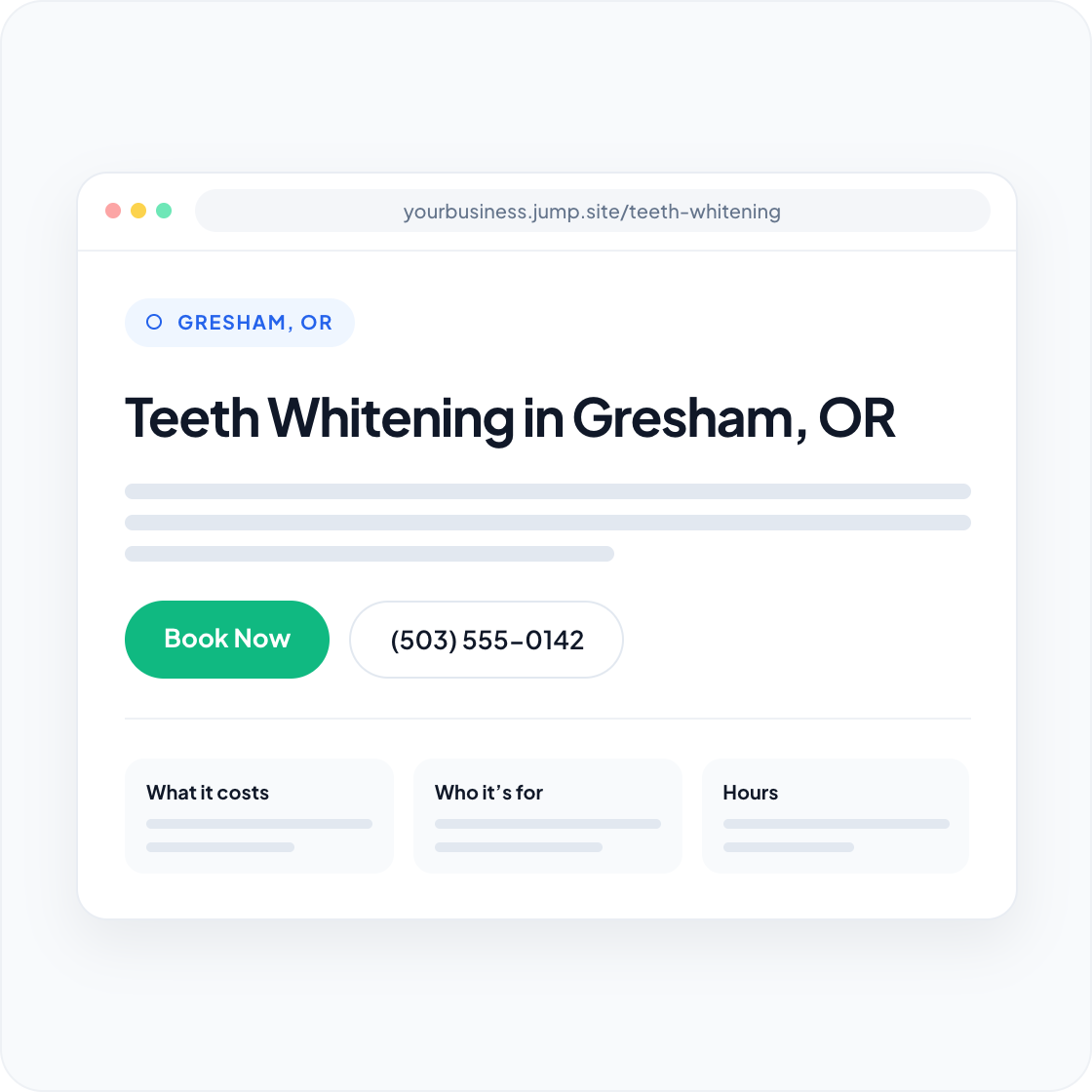
Every service you chose in Services and locations has a page of its own, describing the work in your voice and pointing readers to the matching page on your main site when they are ready to book.
An article page, part by part
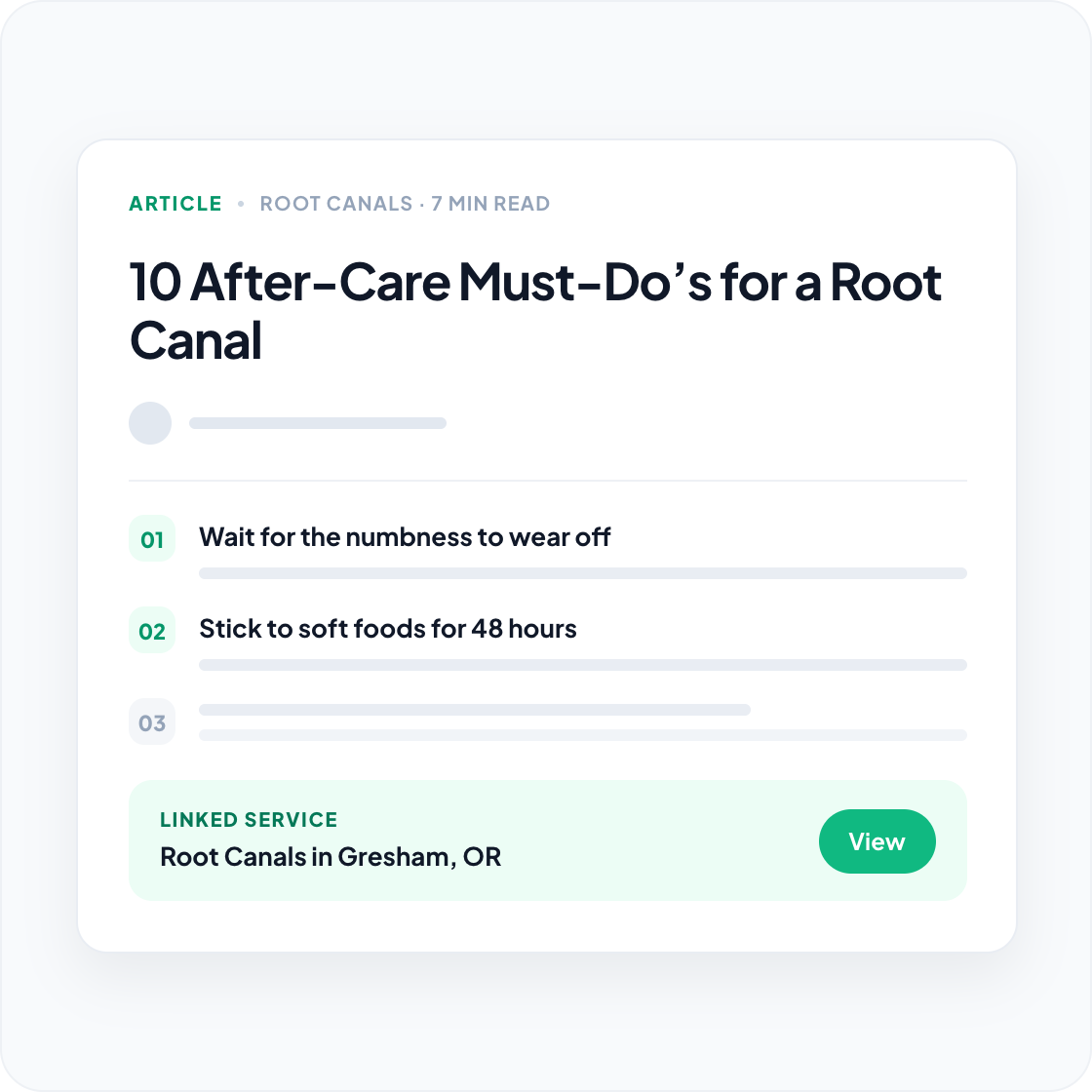
Article pages follow a consistent structure:
- Breadcrumbs back to the hub and the category.
- Category label above the headline.
- Byline with the publication date, reading time, and your business name as publisher.
- Key takeaways — the short answer, for readers who will not read the whole page.
- The body — structured sections with headings, lists, tables and callouts rather than a wall of text.
- Frequently asked questions — an expandable list at the foot of the article.
- Related reading — internal links to your other relevant pages.
- Tags for browsing by subject.
- A contact form, below the article.
Lead capture
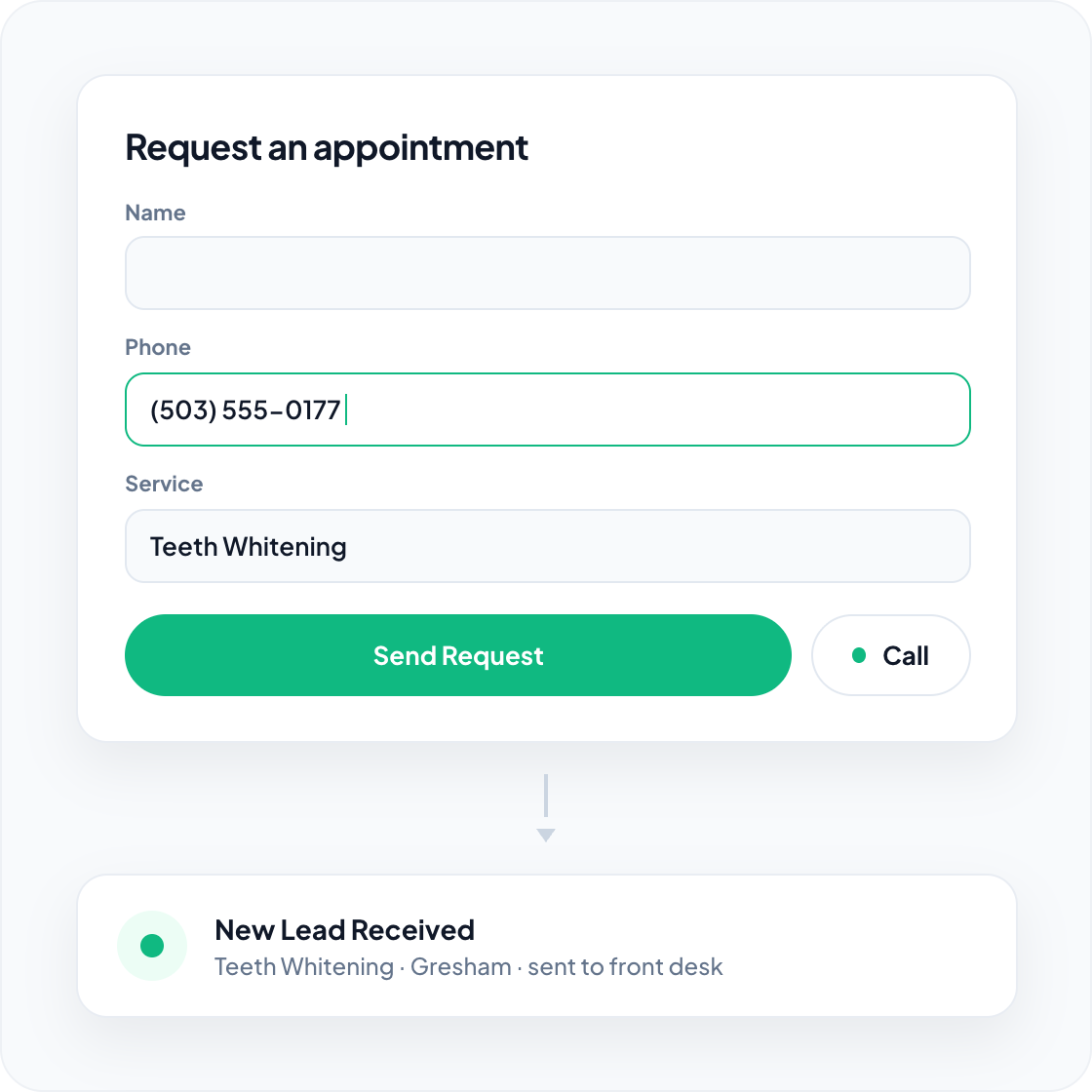
Submissions are emailed to the address you set during setup. There is no separate inbox to check and no export to run — leads funnel directly to you.
To change the recipient address later, choose Update Site Settings on your dashboard to reopen setup, then republish. You can also turn the form off entirely if you would rather drive everything to the phone.
Privacy policy and cookie consent
Every growth site has a privacy policy at /privacy-policy/, linked from the footer of every page. It is written for you from your business details and covers the contact form, analytics and cookies, how information is shared and kept, and how visitors can contact you. Healthcare practices also get a HIPAA Notice of Privacy Practices section. You can edit the policy from your dashboard.
Visitors see a cookie banner with Accept and Decline buttons. A Cookie preferences link in the footer lets them change their choice at any time.
- In the EU, the UK, Iceland, Liechtenstein, Norway and Switzerland, analytics only run after a visitor chooses Accept.
- Everywhere else, analytics run by default, and choosing Decline turns them off.
- Advertising cookies are never set, wherever the visitor is.
The numbers from your analytics appear in the Site Activity card on your dashboard.
Links back to your main site
Every page routes interested readers back to your primary website — that is the point of the model. Links are placed where a reader is actually ready to act, rather than scattered through the text, and the number of outbound links in an article body is deliberately capped so pages read like articles rather than link farms.